

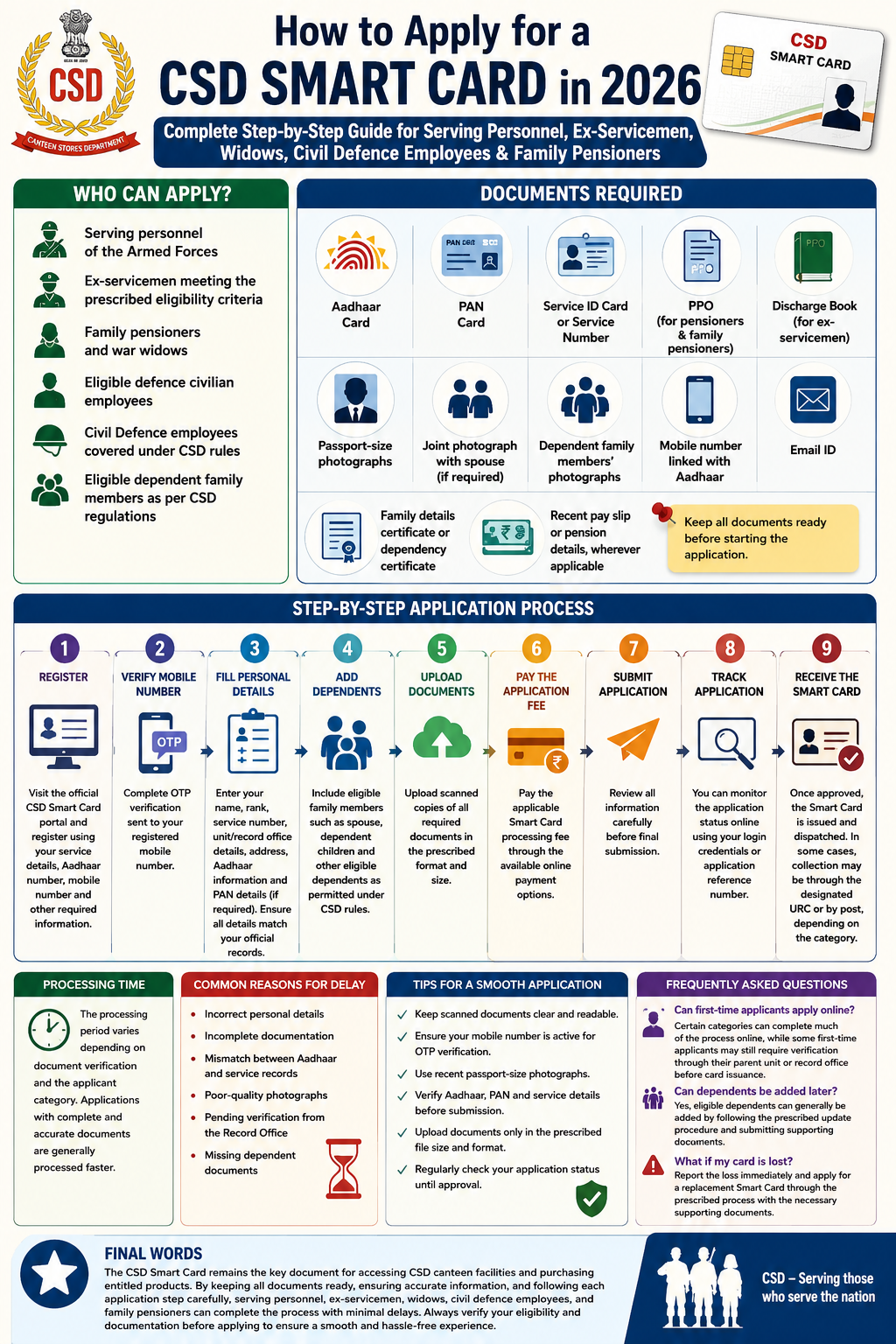
The Canteen Stores Department (CSD) Smart Card is an essential identity and entitlement card that allows eligible beneficiaries to purchase groceries, household items, liquor (as per entitlement), and Against Firm Demand (AFD) items through CSD canteens. In 2026, the application process has become more streamlined, with online facilities available for many categories while certain first-time applicants may still need verification through their parent unit or record office.
If you are a serving defence personnel, ex-serviceman, widow, civil defence employee, or family pensioner, this guide explains the complete application process.
Who Can Apply?
The following categories are generally eligible for a CSD Smart Card:
- Serving personnel of the Armed Forces
- Ex-servicemen meeting the prescribed eligibility criteria
- Family pensioners and war widows
- Eligible defence civilian employees
- Civil Defence employees covered under CSD rules
- Eligible dependent family members as per CSD regulations
Documents Required
Keep the following documents ready before starting the application:
- Aadhaar Card
- PAN Card (where applicable)
- Service ID Card or Service Number
- PPO (for pensioners and family pensioners)
- Discharge Book (for ex-servicemen)
- Passport-size photographs
- Joint photograph with spouse (if required)
- Dependent family members’ photographs
- Mobile number linked with Aadhaar
- Email ID
- Family details certificate or dependency certificate
- Recent pay slip or pension details, wherever applicable
Step-by-Step Application Process
Step 1: Register
Visit the official CSD Smart Card portal and register using your service details, Aadhaar number, mobile number, and other required information.
Step 2: Verify Mobile Number
Complete OTP verification sent to your registered mobile number.
Step 3: Fill Personal Details
Enter:
- Name
- Rank
- Service Number
- Unit or Record Office details
- Address
- Aadhaar information
- PAN details (if required)
Ensure all details match your official records.
Step 4: Add Dependents
Include eligible family members such as:
- Spouse
- Dependent children
- Other eligible dependents as permitted under CSD rules.
Step 5: Upload Documents
Upload scanned copies of all required documents in the prescribed format and size.
Step 6: Pay the Application Fee
Pay the applicable Smart Card processing fee through the available online payment options.
Step 7: Submit Application
Review all information carefully before final submission.
Step 8: Track Application
You can monitor the application status online using your login credentials or application reference number.
Step 9: Receive the Smart Card
Once approved, the Smart Card is issued and dispatched. In some cases, collection may be through the designated Unit Run Canteen (URC) or by post, depending on the applicant category.
Processing Time
The processing period varies depending on document verification and the applicant category. Applications with complete and accurate documents are generally processed faster.
Common Reasons for Delay
Applications may be delayed due to:
- Incorrect personal details
- Incomplete documentation
- Mismatch between Aadhaar and service records
- Poor-quality photographs
- Pending verification from the Record Office
- Missing dependent documents
Double-check every detail before submitting the application.
Tips for a Smooth Application
- Keep scanned documents clear and readable.
- Ensure your mobile number is active for OTP verification.
- Use recent passport-size photographs.
- Verify Aadhaar, PAN, and service details before submission.
- Upload documents only in the prescribed file size and format.
- Regularly check your application status until approval.
Frequently Asked Questions
Can first-time applicants apply online?
Certain categories can complete much of the process online, while some first-time applicants may still require verification through their parent unit or record office before card issuance.
Can dependents be added later?
Yes, eligible dependents can generally be added by following the prescribed update procedure and submitting supporting documents.
What if my card is lost?
Report the loss immediately and apply for a replacement Smart Card through the prescribed process with the necessary supporting documents.
Final Words
The CSD Smart Card remains the key document for accessing CSD canteen facilities and purchasing entitled products. By keeping all documents ready, ensuring accurate information, and following each application step carefully, serving personnel, ex-servicemen, widows, civil defence employees, and family pensioners can complete the process with minimal delays. Always verify your eligibility and documentation before applying to ensure a smooth and hassle-free experience.